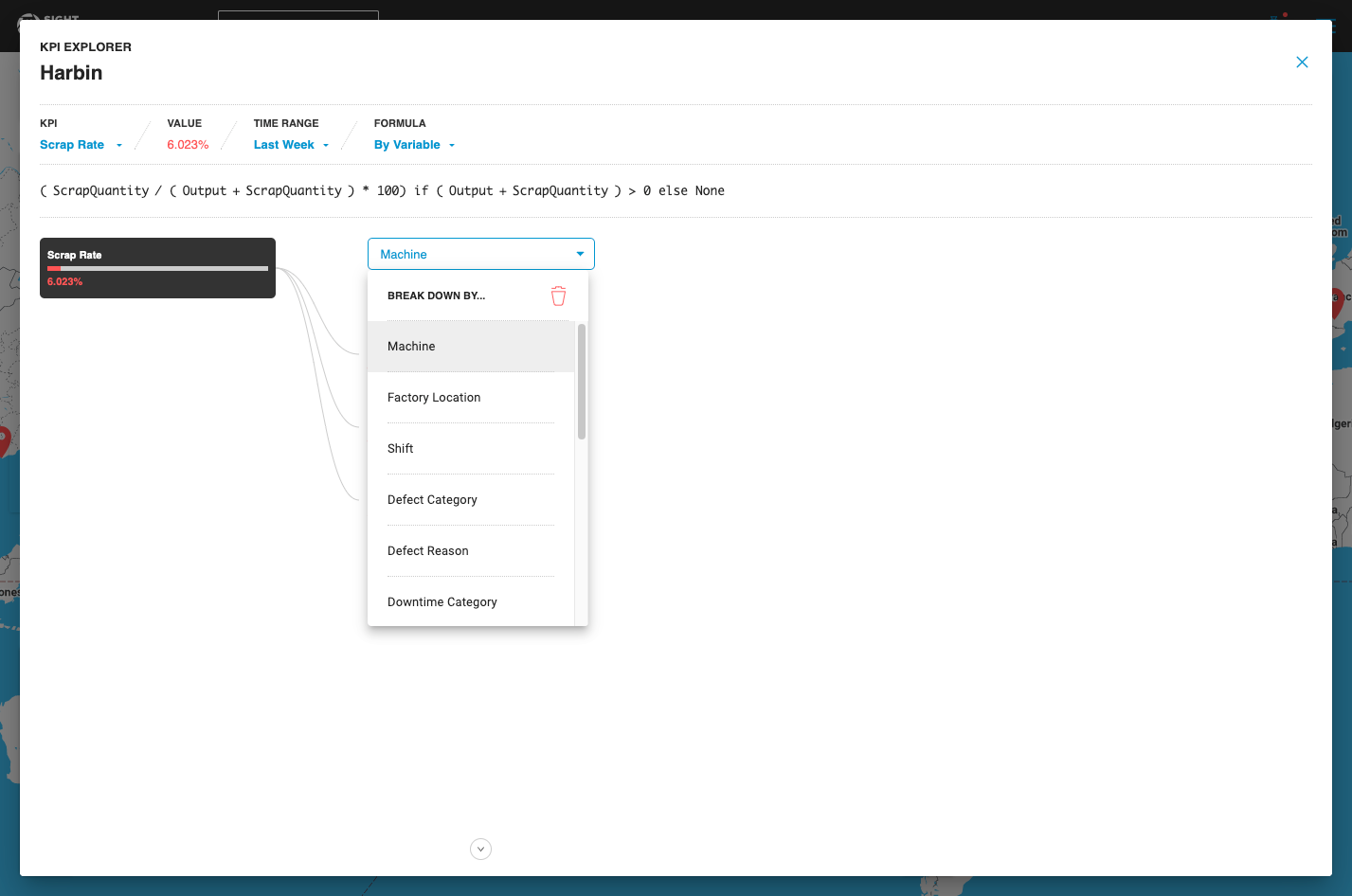
You can drill down into each KPI by clicking the progress bar that shows the KPI value, or by clicking the Add a Breakdown button, and then selecting a Breakdown variable from a list of options (for example, Machine, Shift, Defect Category, Defect Reason, Product SKU, etc.). All Categorical data fields are available as Breakdown variables.
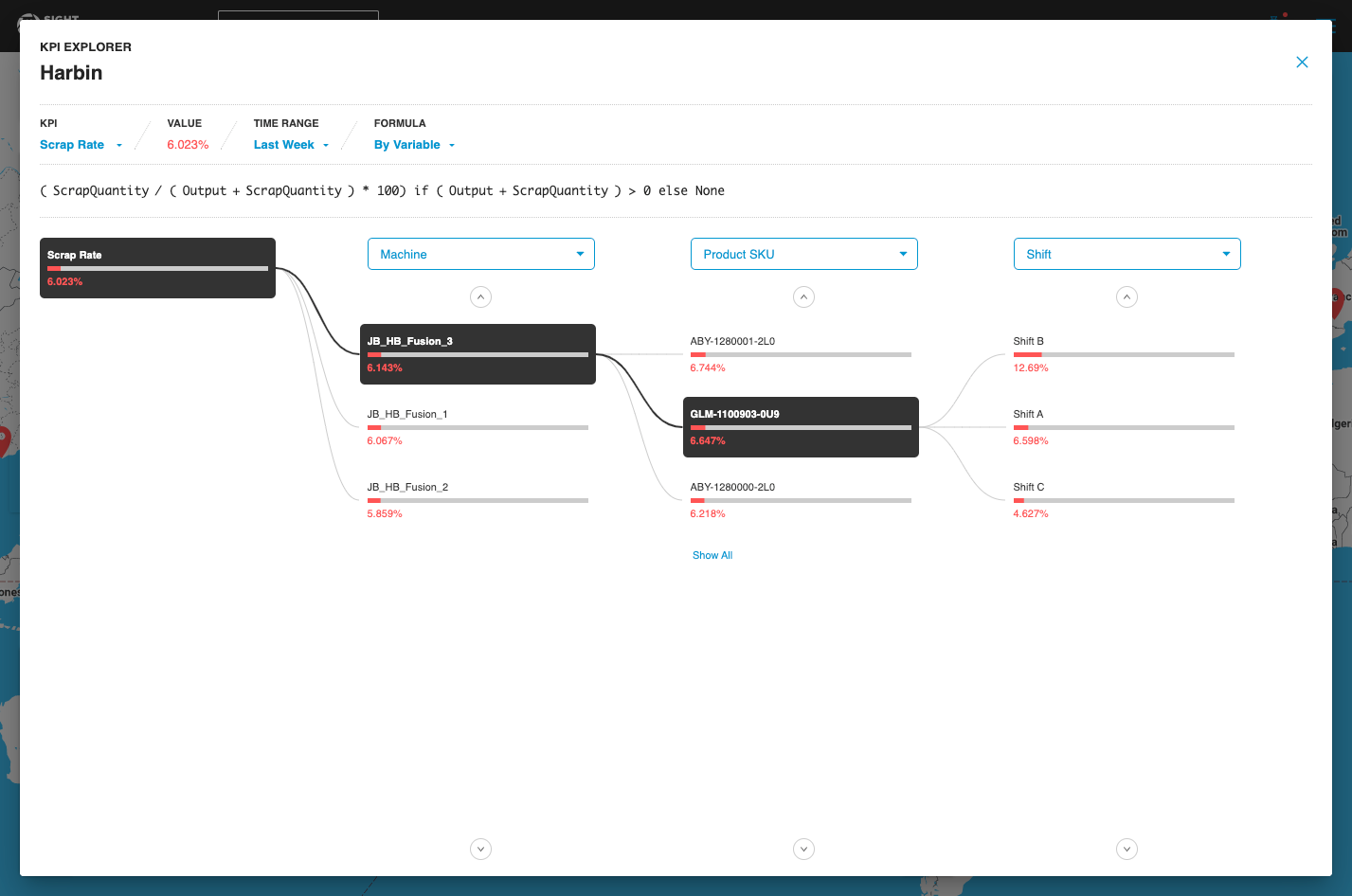
At each drill-down, Sight Machine automatically surfaces the 3 least optimal KPI values, enabling quick identification of the largest losses. To view all of the components and not just the Top 3 values, click Show All.
Each successive drill-down in the KPI Explorer applies the Breakdown variable as a filter on top of the Breakdown variable that you previously selected.
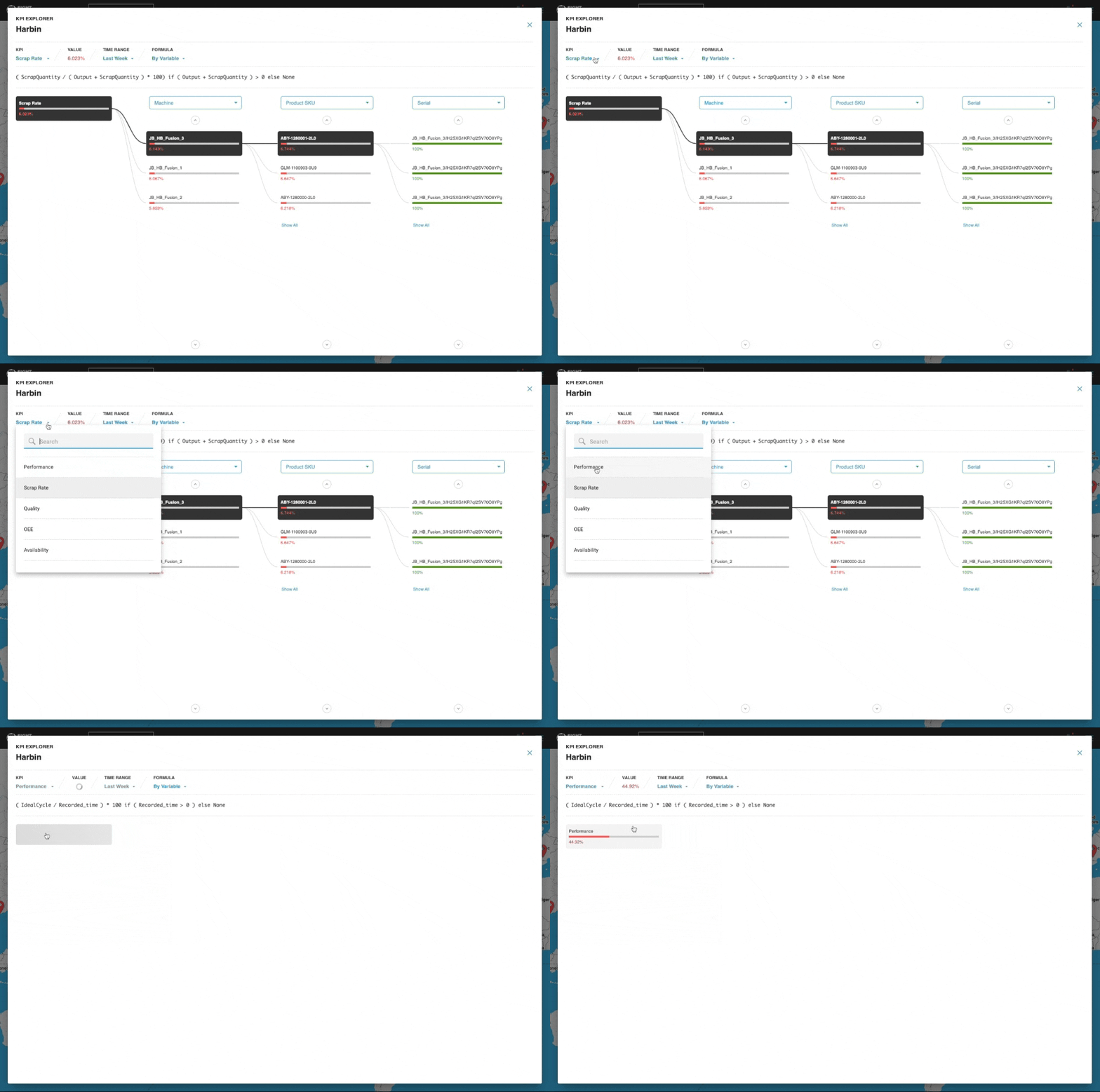
Click the KPI drop-down menu to explore a different KPI of interest. You can also click Time Range to modify the time range over which the KPI is computed.