Overview of Changes
STRUCTURE
New Features & Improvements
-
Production Deployment Performance
- Significantly faster deployment times when promoting pipelines to production
- Improved reliability during production setup process
-
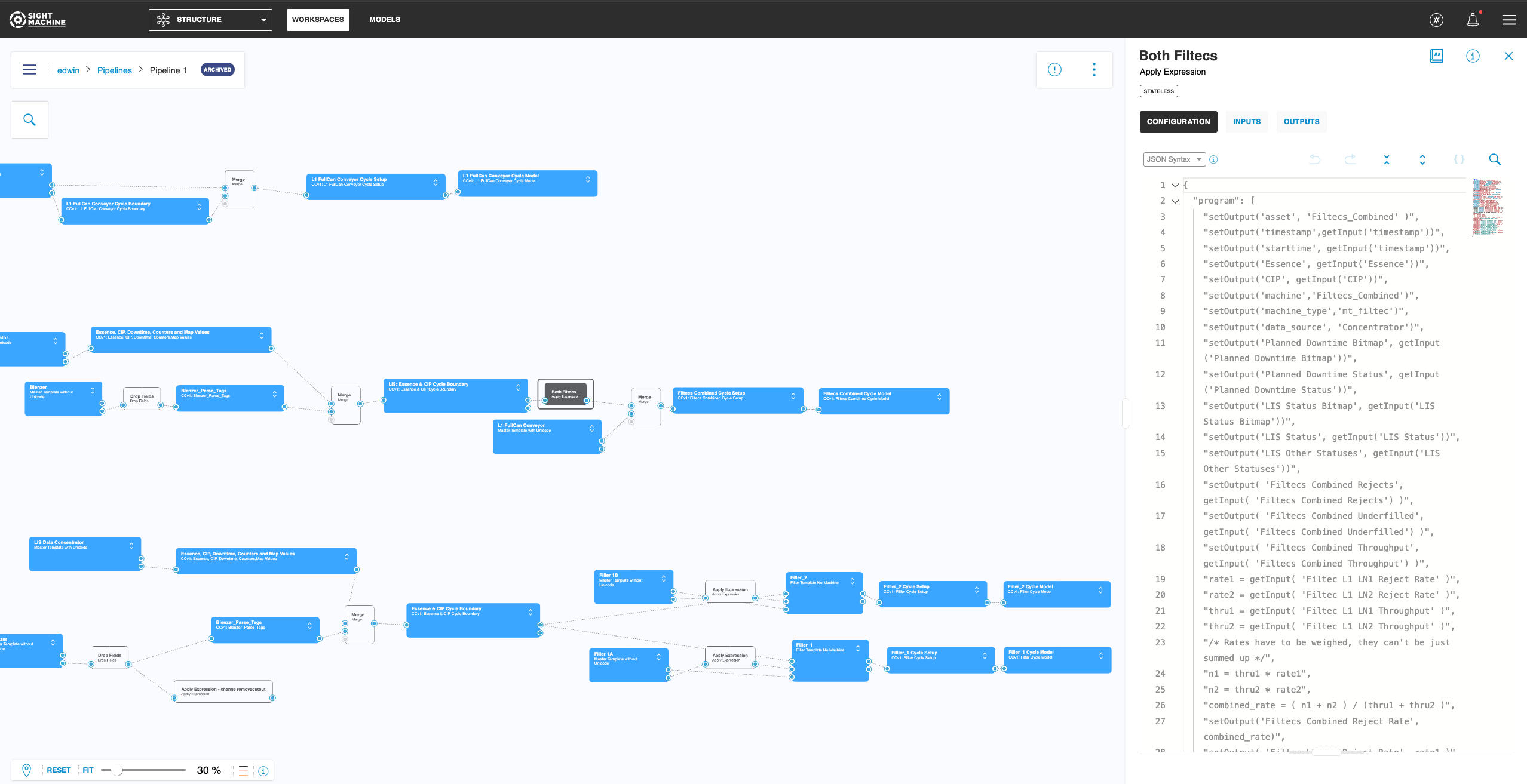
Archived Workspace Indicator
- Clear visual indicators now appear when viewing content from archived workspaces
- Prevents confusion when accessing older workspace pages through saved links
- Helps teams quickly identify when they're working with archived versus active content
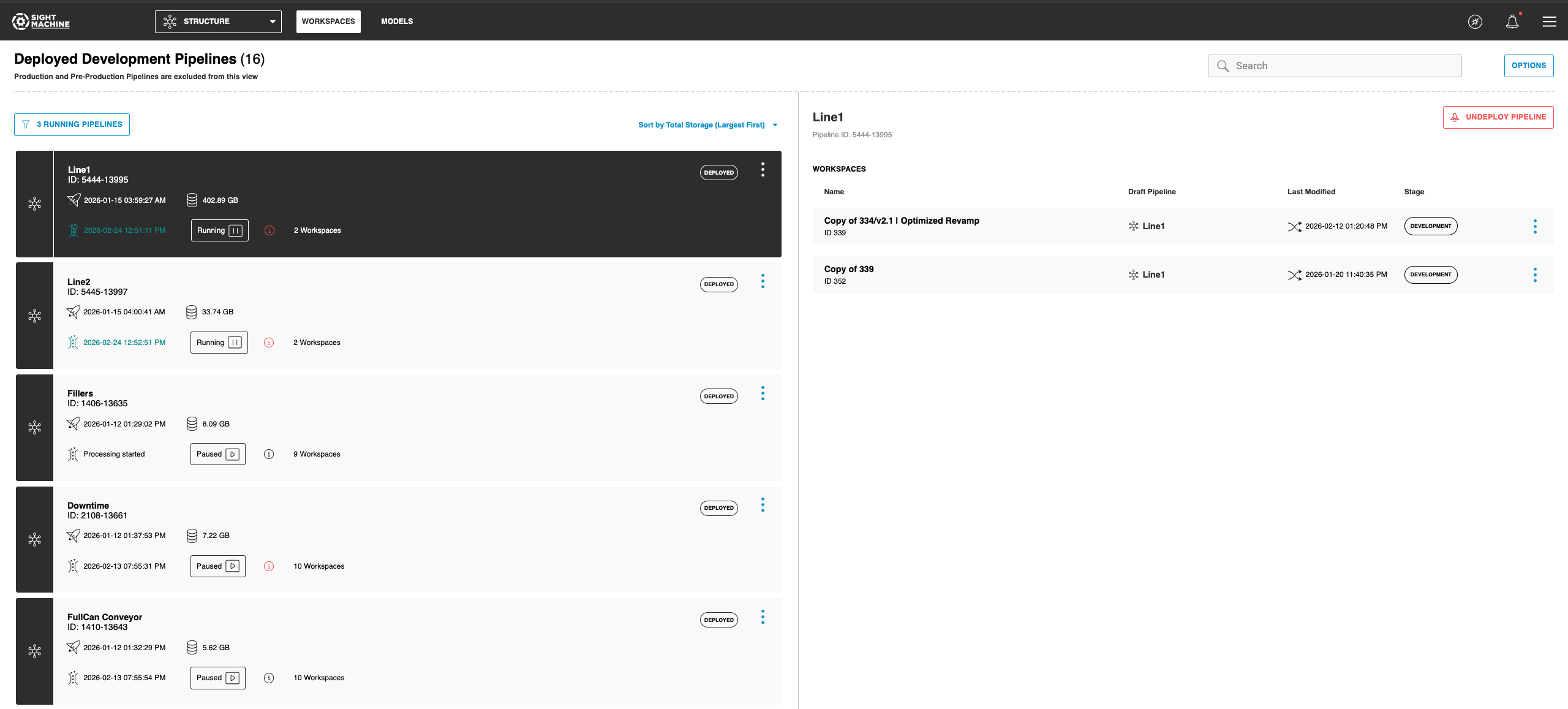
- Pipelines View in Workspace Manager
- View and manage all your pipelines directly from the Workspace Manager
- Quickly navigate between pipelines without switching contexts
- Streamlined access to pipeline configurations and status
-
Improved Production Deployment Reliability
- Production deployments now complete successfully even in high-load environments
- Eliminates timeout issues when activating production configurations
- Ensures consistent deployment experience across all system conditions
-
Column Limit Validation
- Prevents data integration errors by validating table column counts before deployment
- Alerts you when combining data sources would exceed system limits
- Ensures reliable data operations across your workspace
-
Workspace Deployment Controls
- Deployment actions are now disabled until workspace setup completes successfully
- Clear error messages now appear when workspace configuration issues occur
- Prevents accidental deployment of workspaces that aren't fully ready
-
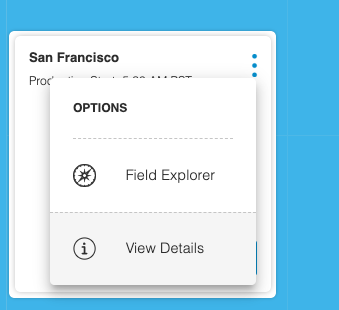
Facility Production Start Time Visibility
- View the Production Start Time for your facilities directly in the interface, even when the workspace is locked
- Verify critical facility configuration settings without needing to unlock production workspaces
- Improved Connection Stability
- Automatically closes inactive database connections after 30 seconds to prevent resource locks
- Ensures view updates and production deployments complete without interruption
- Resolves issues where stalled connections could block system operations
Bug Fixes
-
Workspace Archiving with Shared Pipelines
- Archiving a workspace no longer incorrectly updates modification timestamps on other workspaces that share pipelines
- Preserves accurate audit history when managing workspaces with shared deployed pipelines
-
Error Notifications Restored
- Error notifications now appear correctly throughout the application
- Ensures you're immediately alerted when issues occur during operations
ANALYZE
Bug Fixes
-
User Management Commands
- Resolved issues preventing user editing and listing operations from completing successfully
- User management commands now function reliably for administrative tasks
-
Dashboard Symbol Rendering
- Special characters like ampersands (&) now display correctly in Single Value widgets
- Ensures data with symbols renders accurately in dashboard visualizations
-
Dashboard Report Legend Display
- Fixed an issue where legends in automated dashboard reports were truncated when containing multiple fields
- Legends now display completely without overlapping adjacent visuals
- Ensures all data series are clearly identified in emailed dashboard reports
-
Temporary Data Tables
- Quickly view and explore data without saving tables permanently
- Temporary tables automatically disappear when you're done, keeping your workspace clean
- Restored the ability to perform quick data lookups without cluttering your saved tables
-
Dashboard Scrolling Stability
- Resolved errors that occurred when scrolling through dashboards
- Improved overall dashboard performance and reliability
OPERATE
New Features & Improvements
-
2D View Mode Persistence
- Your preferred view mode (2D or 3D) is now remembered when navigating between different production lines
- Eliminates the need to manually switch back to 2D view each time you select a new line
-
Improved 3D View Reliability
- 3D View now displays correctly even when configuration settings are unavailable
- Eliminates unnecessary fallback to 2D View, ensuring consistent visualization experience
Bug Fixes
-
Model Selection in 3D View
- Switching between production lines now correctly updates the displayed model
- Ensures you always see the accurate visual representation for the selected line
-
Data Source Testing
- Resolved an issue where data source connections could not be validated
- Connection testing now works reliably to verify data sources before use
-
Configuration Menu Fixes
- Fixed overflow menu functionality in facility, line, machine, and data source lists
- Resolved issue where deprecated machine type field persisted in data source configurations
- Improved configuration experience to prevent confusion when managing data sources
-
SVW Widget Display
- Widgets now display correctly when changing time selections
- Resolved issue where widgets would appear blank after adjusting the time range
CONNECT
Bug Fixes
- Connection Status Check Performance
- Improved system responsiveness when checking device connection status
- Resolved delays that could occur when devices experienced network issues
- Enhanced overall application performance during device status updates